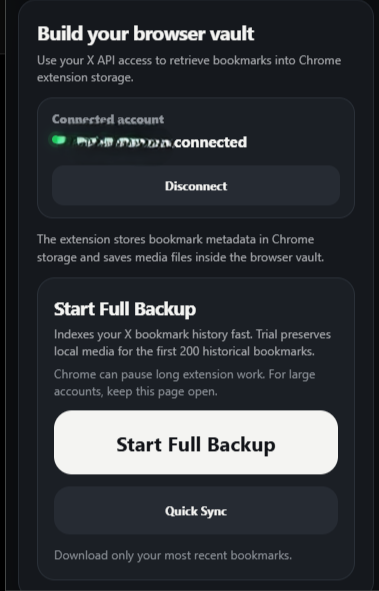
How to get your X OAuth 2.0 Client ID
- Go to https://developer.x.com/, then click “Go to Console”.
-
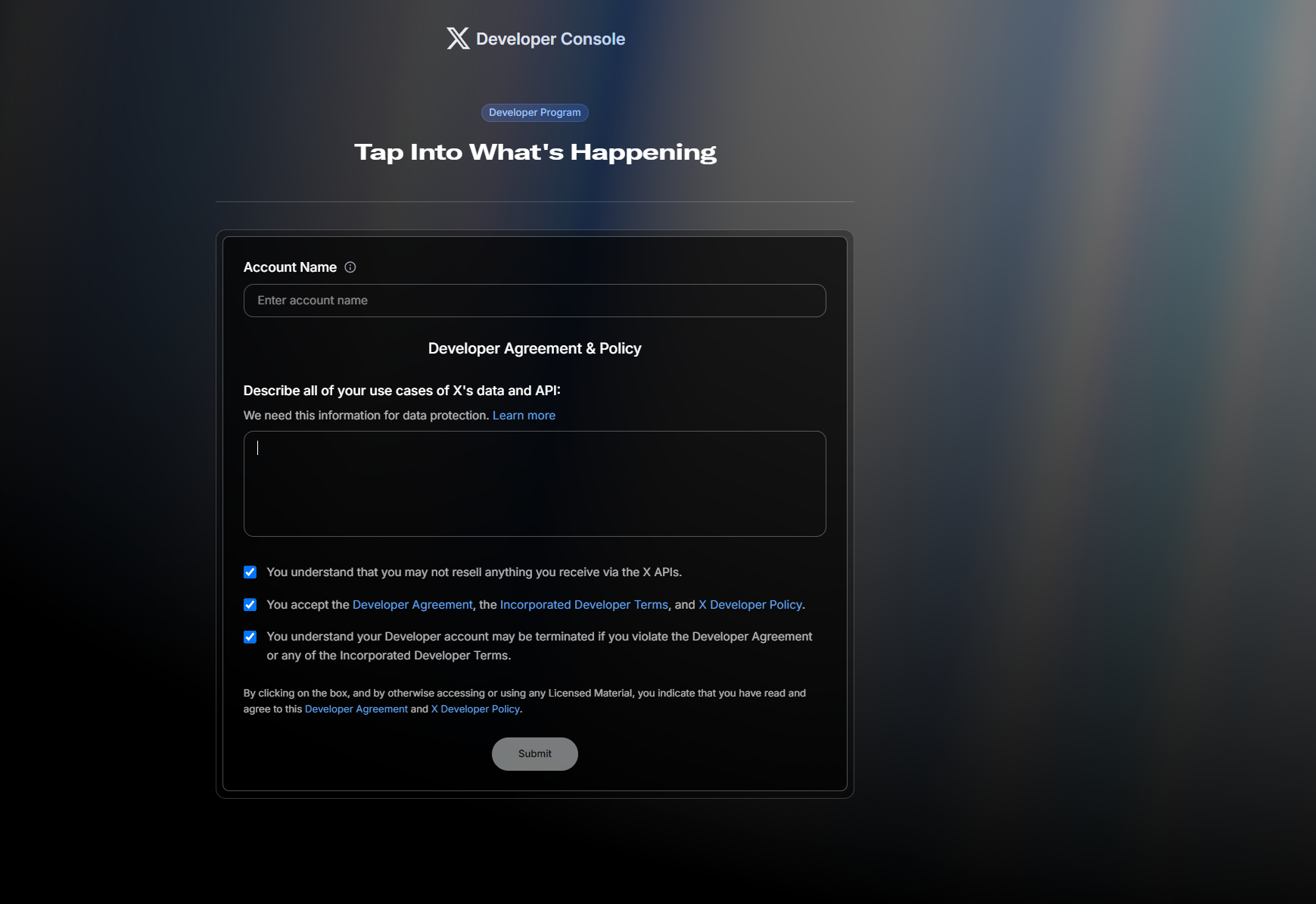
Fill in your information.
-
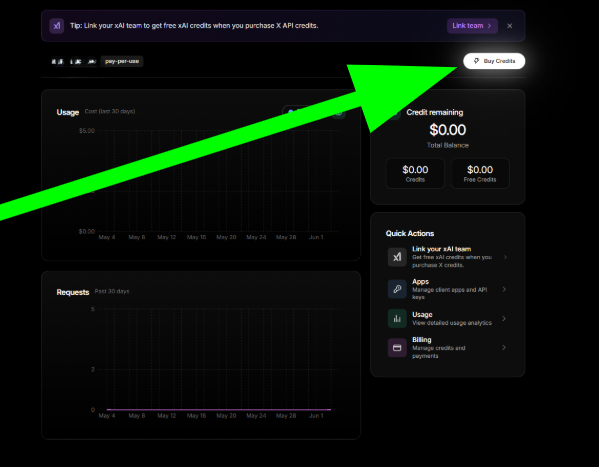
Buy credits. X charges approximately $0.001 per bookmark when using your own X Developer App to access your own bookmarks. For example, syncing 1,000 bookmarks costs about $1 in X API credits.
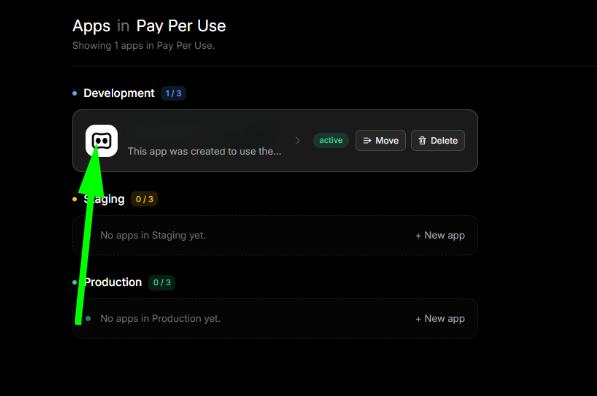
- Go to the “Apps” option in the left panel.
-
Click on the app that is in “Development”.
-
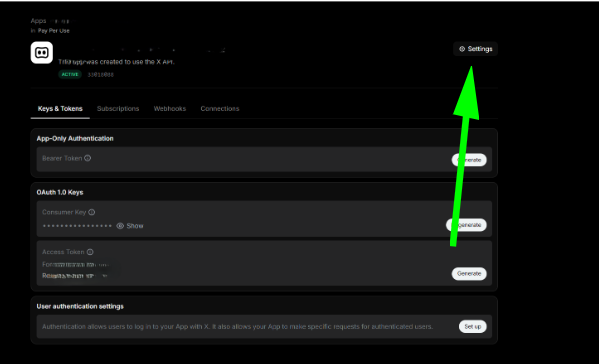
Click on “Settings”.
-
The app permissions should be set to “Read” only. The type of app should be “Native App”. In the app info section, add the callback URL from your Chrome extension. You can see it on the main screen and copy it from there. For the website URL, you can use “https://xbookmarkvault.com/”.
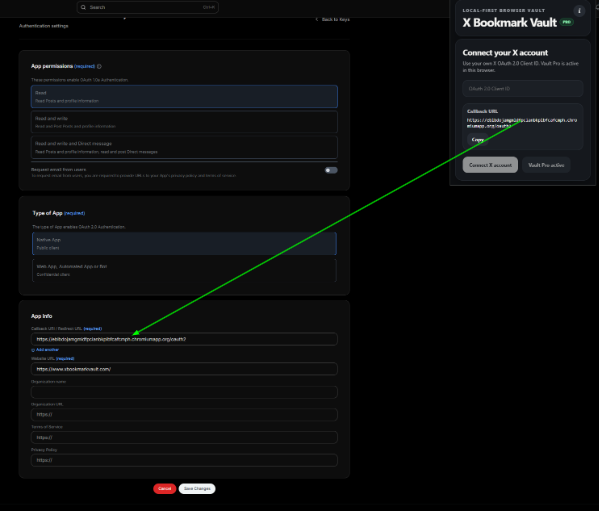
- Save changes.
-
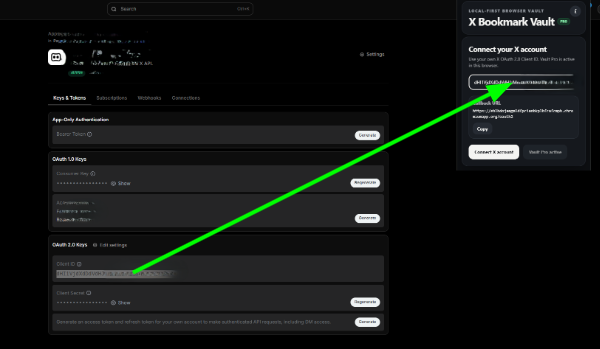
Go back to the app, copy the “Client ID”, paste it into the extension, and click “Connect X Account”.
-
Done. The extension is ready to start building your bookmark vault on your machine.